For Parents

Know how your child is learning. Not just what they submitted.

Orchen gives parents a weekly view of their child's learning — conversation starters, bright spots, and what they've been working on. What you see is configured by your school.

What Parents See

A weekly digest — not a transcript.

You don't see your child's conversations with Orchen. You see what those conversations produced: how they're engaging, where they're making progress, and how you can support them at home.

Your school sets what's visible to you. The examples below reflect a mid-level visibility setting — the most common configuration.

Orchen Academy · This Week

This week, Test independently completed five quizzes using their existing learning materials.

Time This WeekNo sessions yet
Streak4 weeksActive row
Sessions42 subjects
Assignments1 of 8Completed

Science · 3 · Astronomy, Biology    General · 1 · General Inquiry

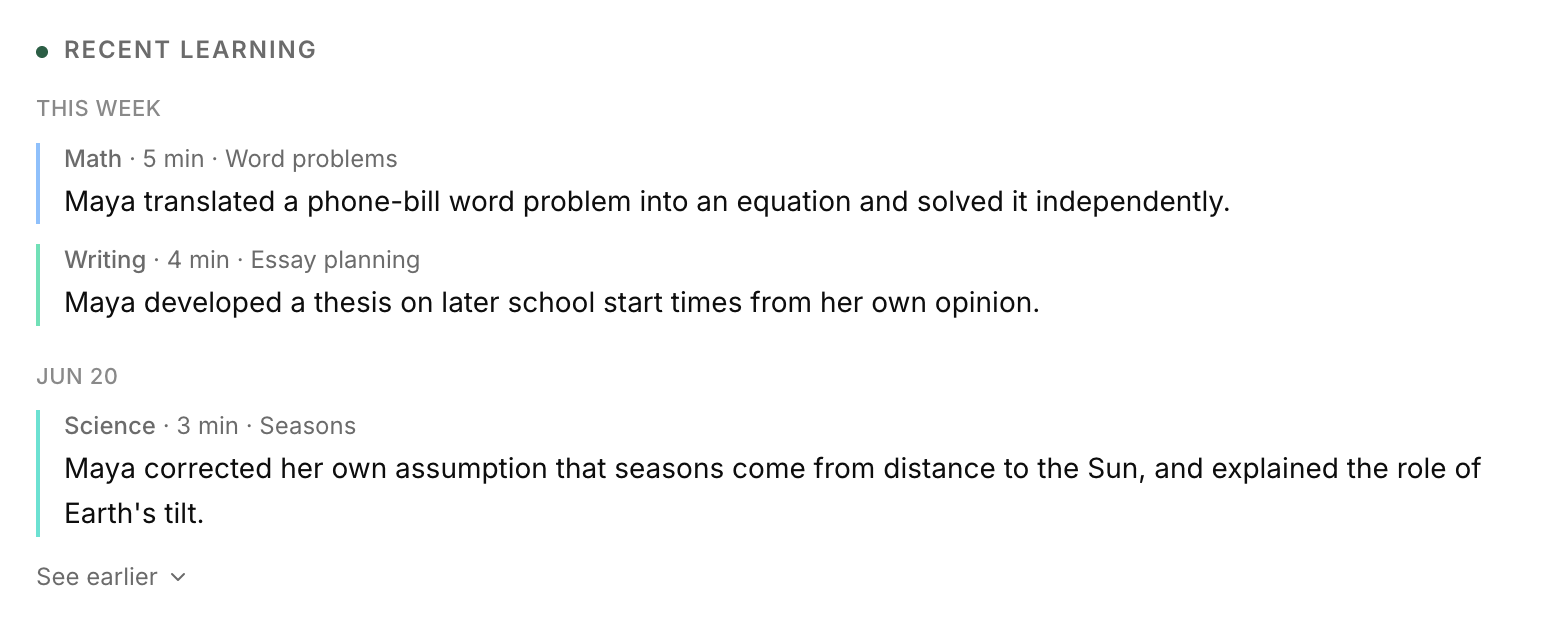
How Test Is Learning

· Uses retrieval practice by taking quizzes on their own.
· Maintains a large bank of flashcards from prior work.
· Learning this week was self-directed review, not new topic exploration.

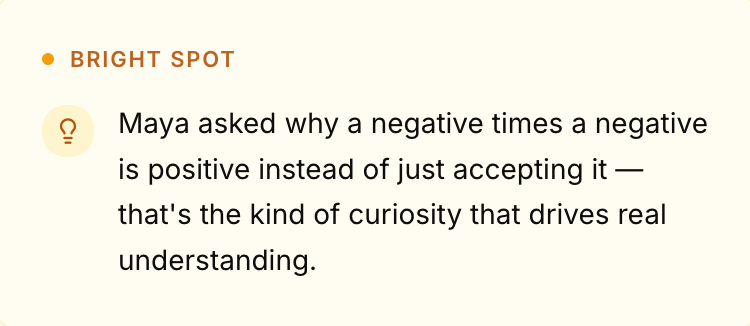
Bright Spot

Test took the initiative to complete five quizzes independently, without any formal sessions.

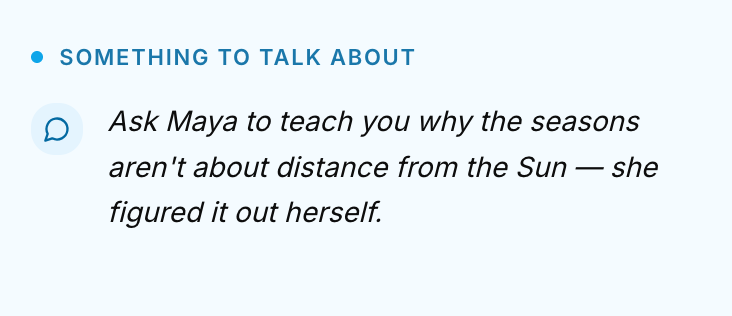
Something to Talk About

A possible question: which of those recent quizzes felt the easiest, and why?

Privacy

Your child has a private workspace. It stays private.

Orchen does not show parents raw conversation transcripts by default. Your child's journal entries, quiz answers, and learning preferences are not visible to you.

What you see is a synthesis — the patterns and highlights that help you support their learning at home, without turning every conversation into something they feel watched for.

Your school configures what visibility level applies to your account. If you have questions about what you can see, contact your school's administration.

Assignments

See what's due and what's been submitted.

You see your child's assignment list — status, due date, and a plain-English explanation of what the assignment is for.

The universe

Chat · In progress · Overdue · Apr 6

See parent guide ∨

Fractional Equivalence

Chat · Submitted · Apr 10

See parent guide ∨

The Role of Chromebooks in Education

Writing · Not started · Overdue · Apr 19

See parent guide ∨

Statistics & Sampling

Chat · In progress · Overdue · Apr 11

See parent guide ∨
Patterns

Small signals. Useful context.

When Test Studies

Most active late at night.

Where Test Needs Help

No specific struggles flagged this week. Test seems to be handling the material well.

How Visibility Works

Your school sets what you see. You can ask for more.

Orchen uses a five-level visibility model. Your school sets the default and the maximum allowed for your account. Some schools allow parents to request a higher level; others set a fixed policy.

Level 1 — MinimalAccount exists. No learning data shown.
Level 2 — ActivitySubjects active this week. Total study time.
Level 3 — SummariesWeekly digest · Bright Spot · Conversation starters.
Level 4 — InsightsAll of Level 3 + qualitative learning insights and home support guidance.
Level 5 — TranscriptsAll of Level 4 + read-only session transcripts. Crisis-flagged sessions are redacted. All access logged.

Most schools configure parents at Level 3 or Level 4 by default. Questions about your visibility level should go to your school's administration.

For Schools

Orchen is purchased by schools, not individual families.

If your school uses Orchen, your account is created by the school. If you'd like your school to consider it, the right conversation starts with your Head of School or Director of Technology.

Book a school walkthrough →

Or write to us at emil@orchen.ai